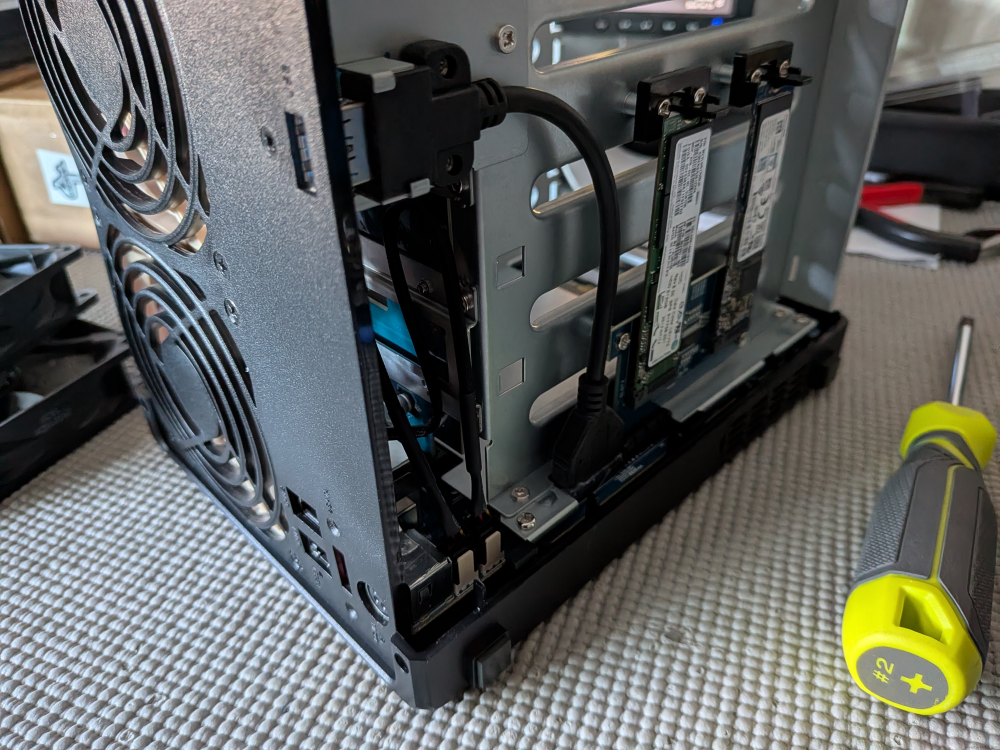
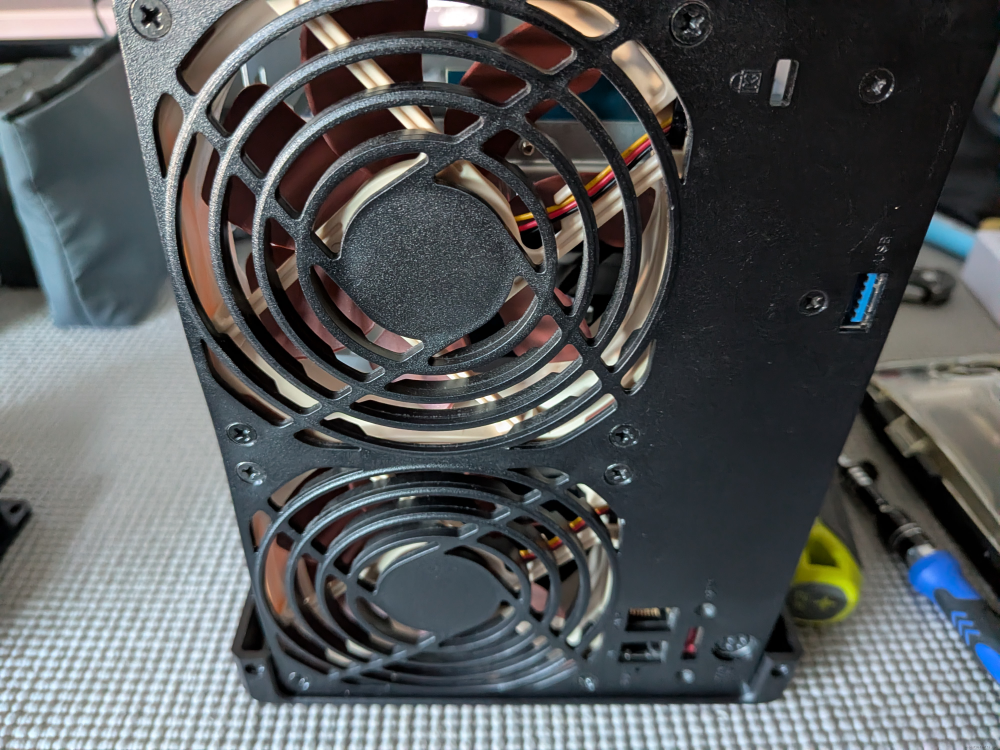
Hardware used
I used Noctua NF-A9 FLX fans vs the PWM version. The Synology has a three pin header and uses voltage to control speed.
This fan is marked as frequently returned but there are a few reviews that say it works with Synology. Guessing it's people that needed the PWM version.
No security screws. Everything used a standard philips #2.
This is a good excuse to clean it out while it's open.
I use a WOLFBOX MF100 for everything but canned air will work too.
Removing case
I forgot the first few pictures so some of thems already have the drives installed.
The usual warnings here. Back up your data. Label your drives. Mother on speed dial.
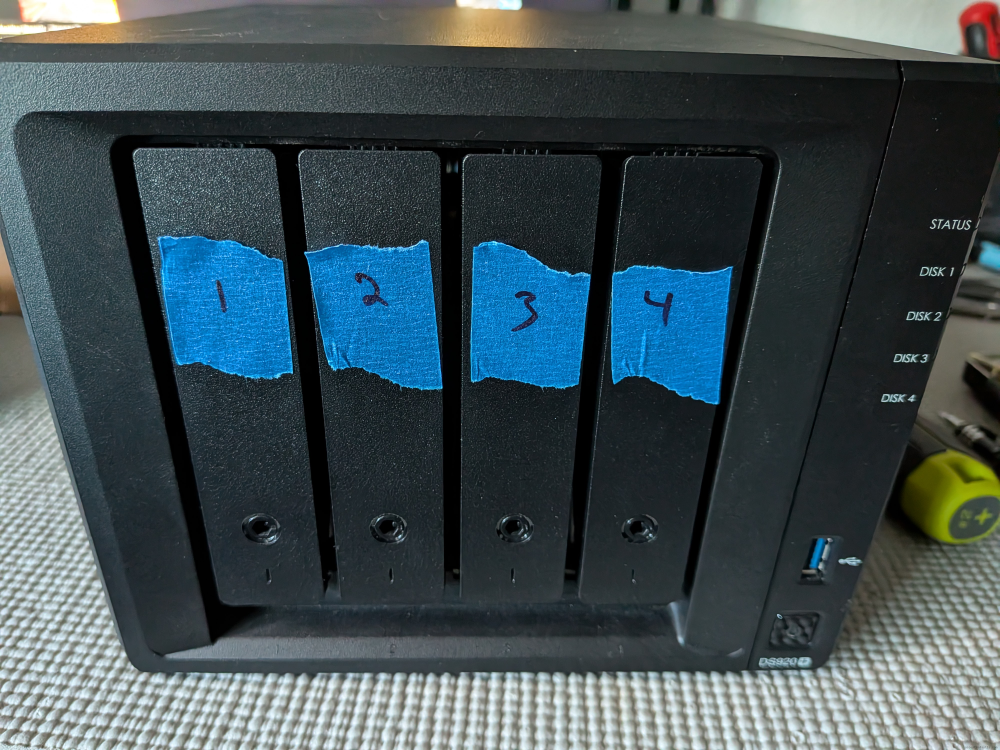
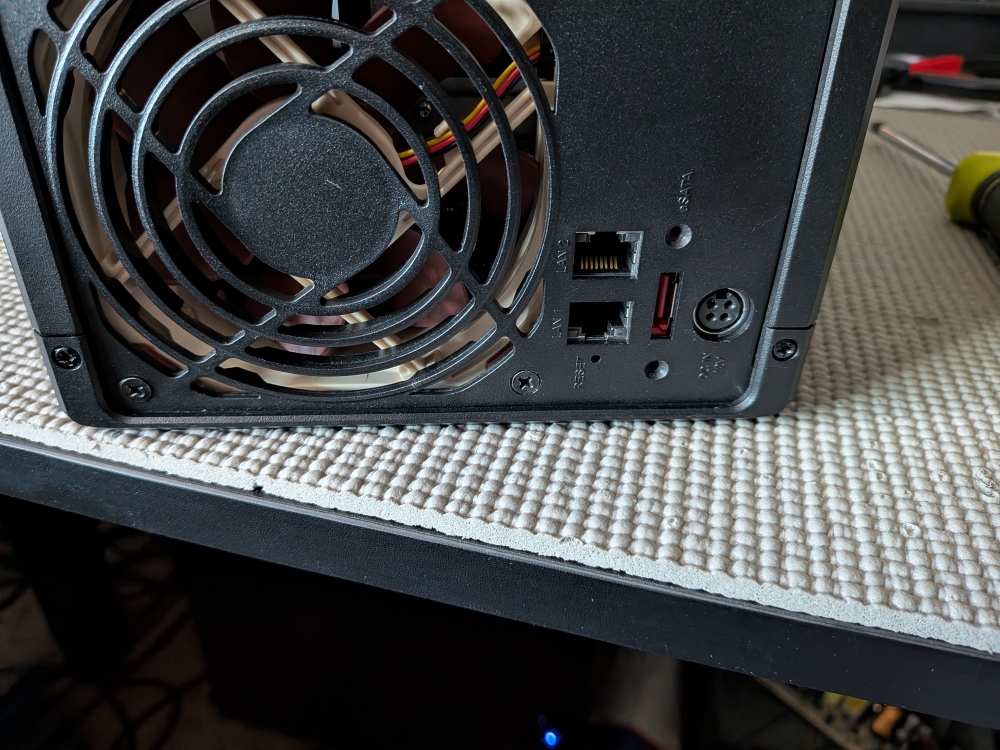
There are two screws on the back of the unit.
Remember to remove the SSD covers on the bottom
The case lifts slightly forward (away from the fans) and then up.
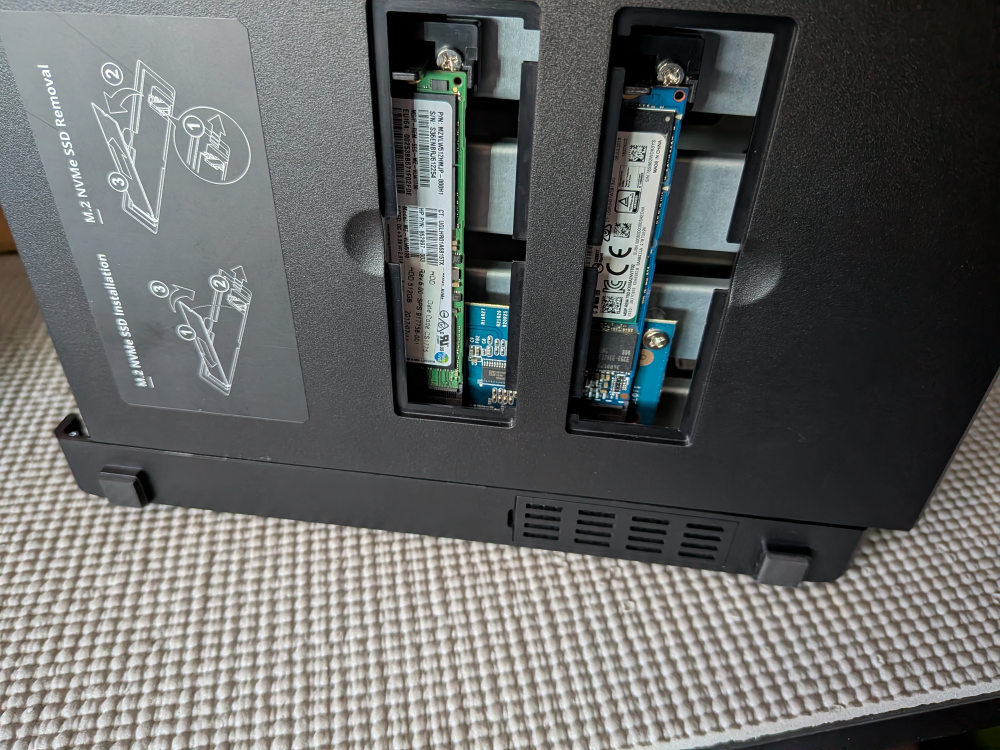
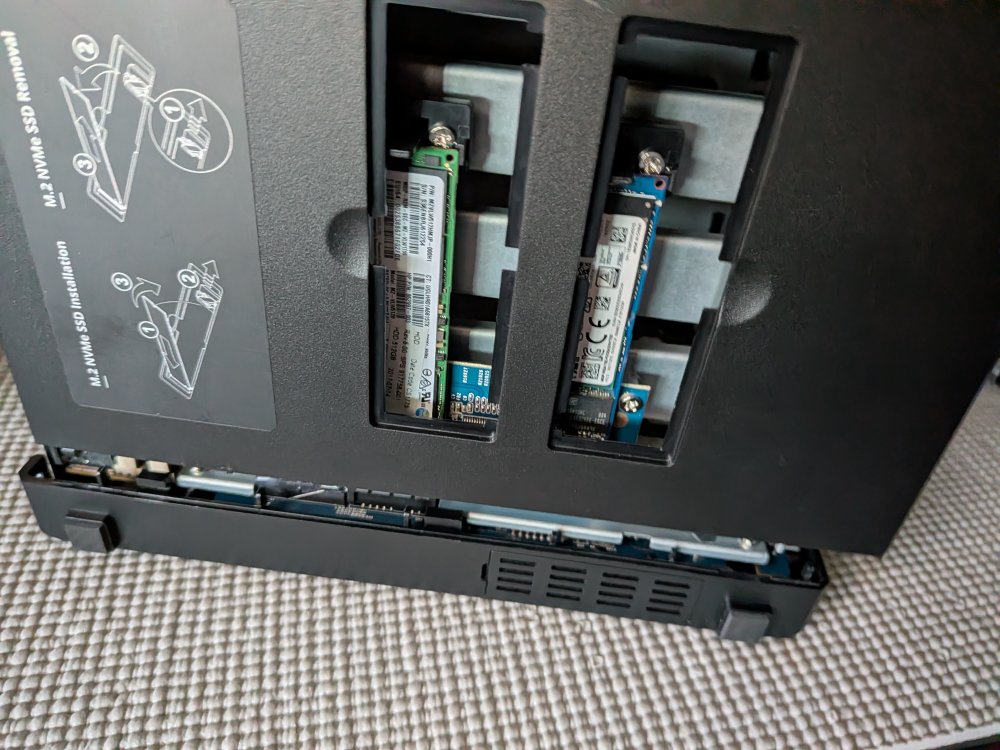
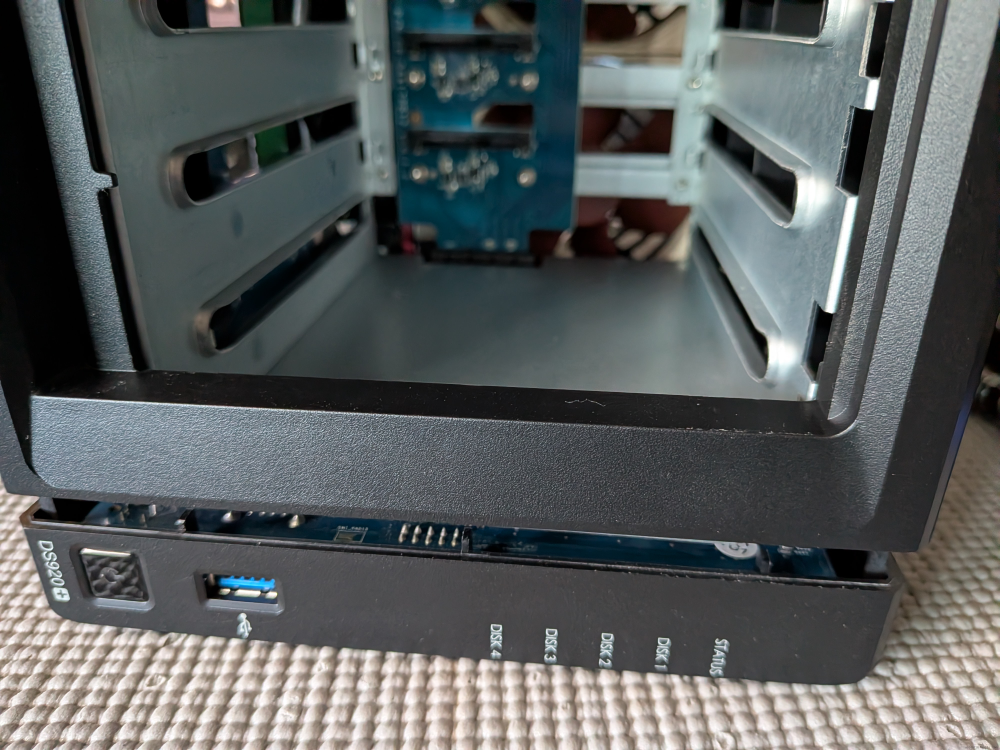
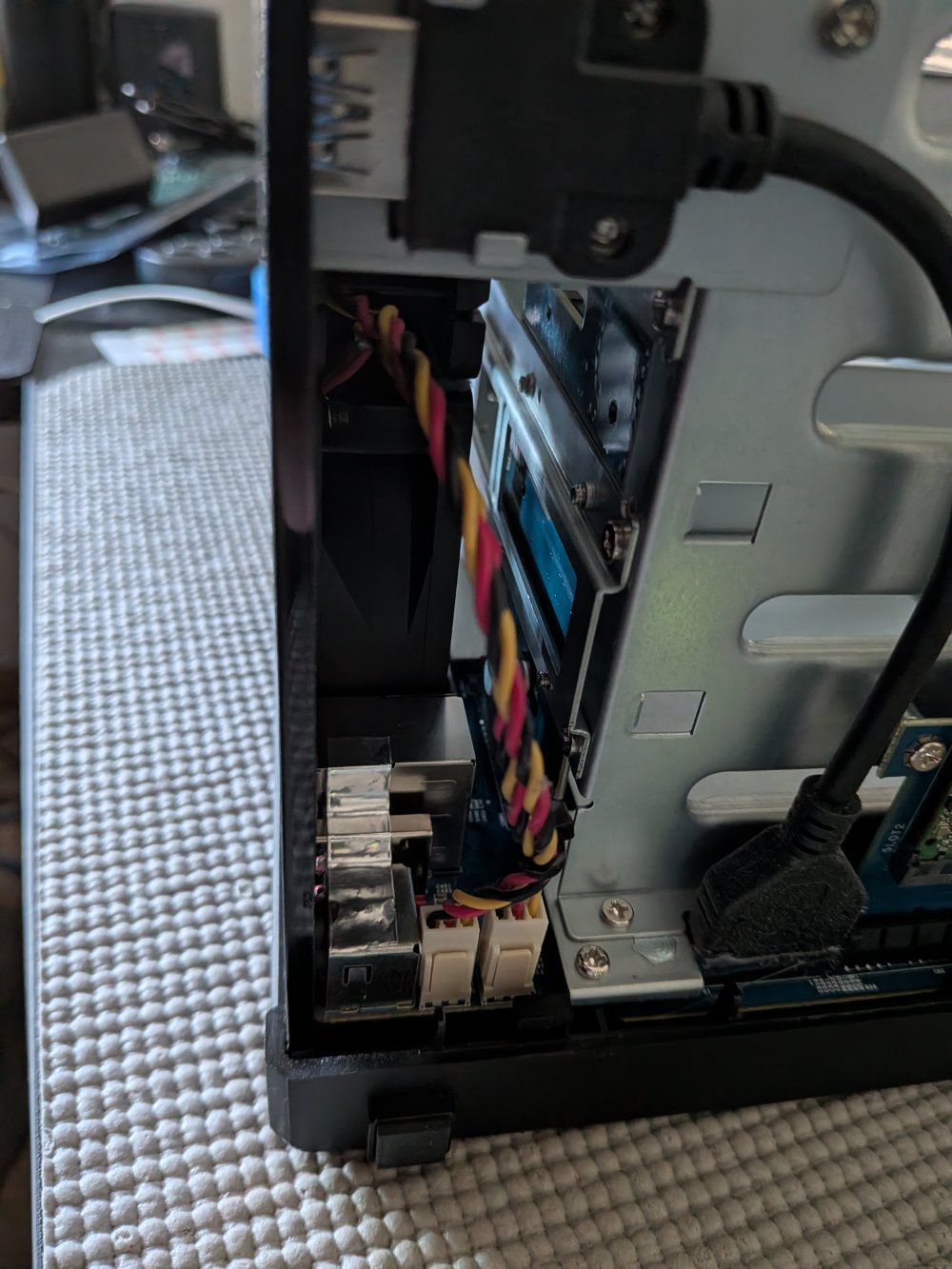
Remove the fan brackets on top of the fans.
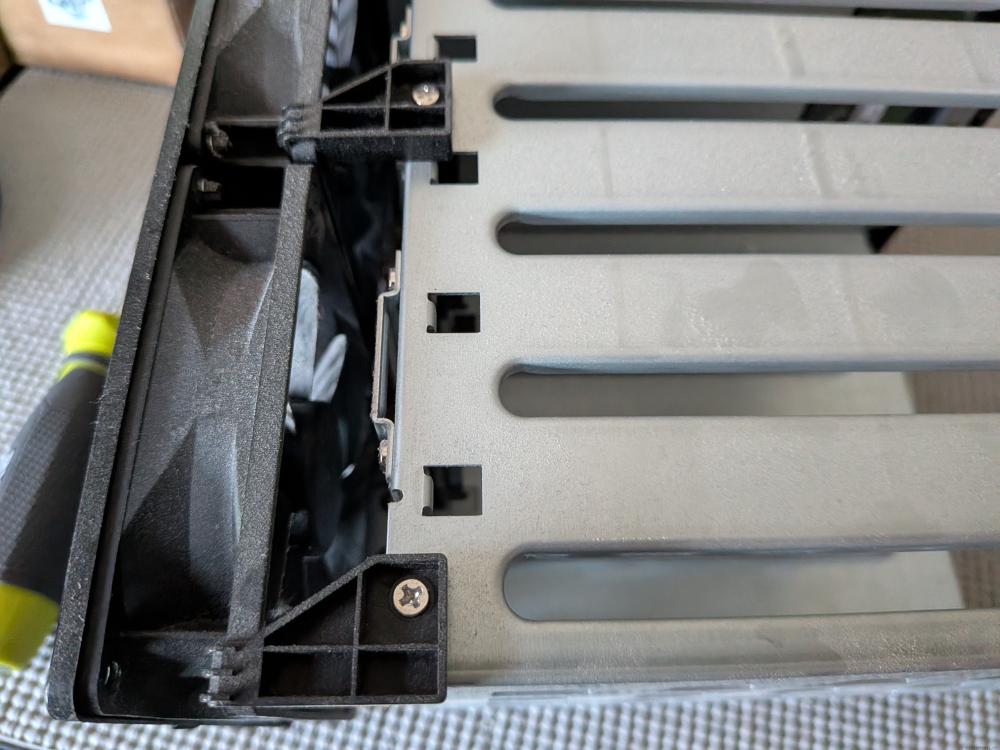
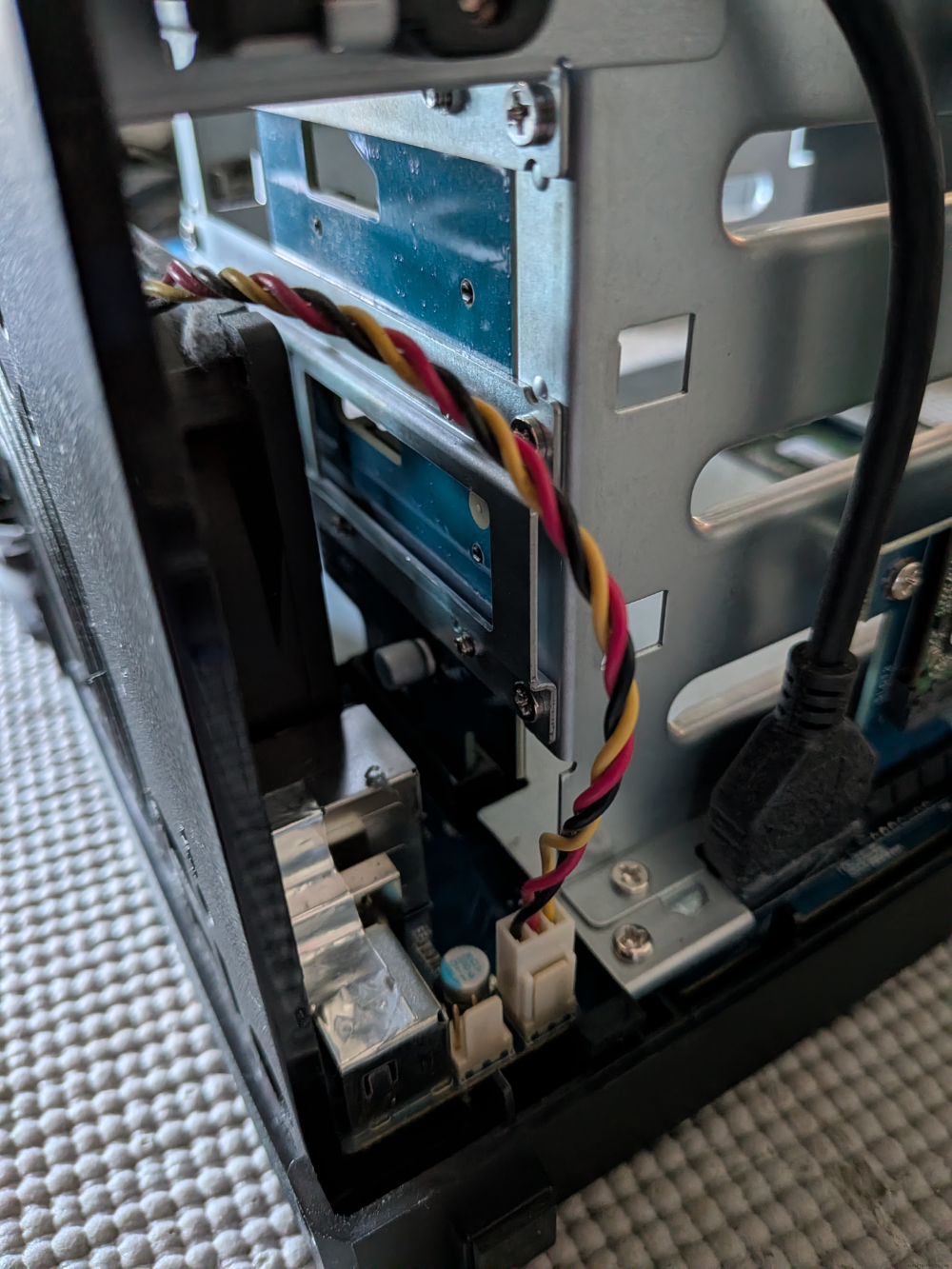
Remove the power from the fans.
The top is closest to the back if you're concerned about putting everything back exactly how it was.
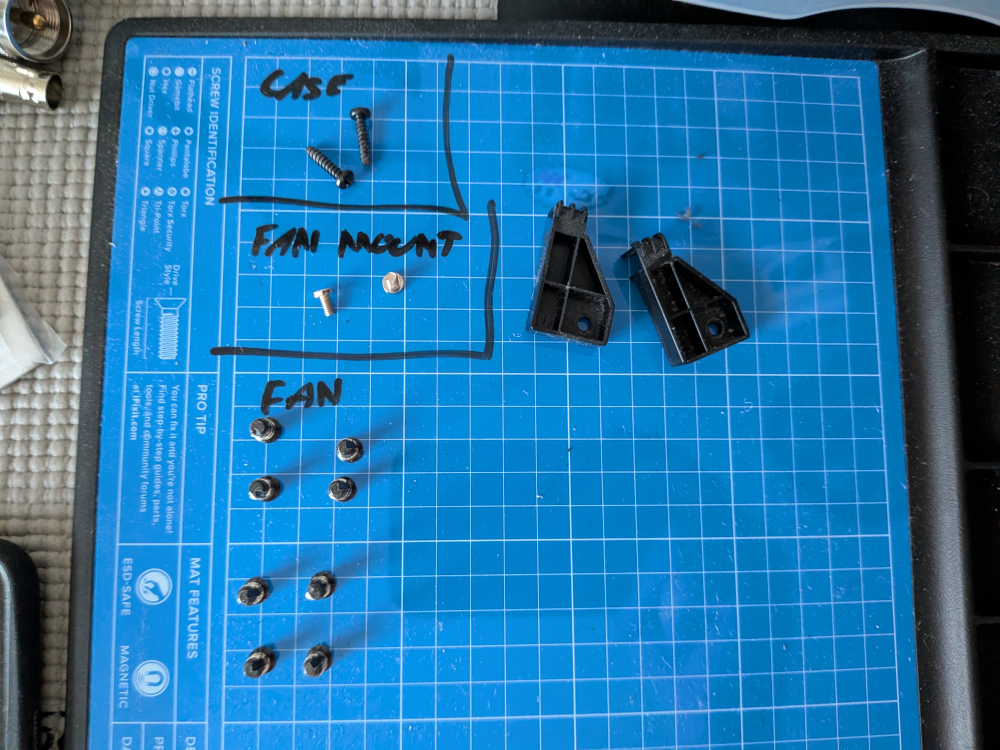
Reference of screws with everything removed
Installing Fans
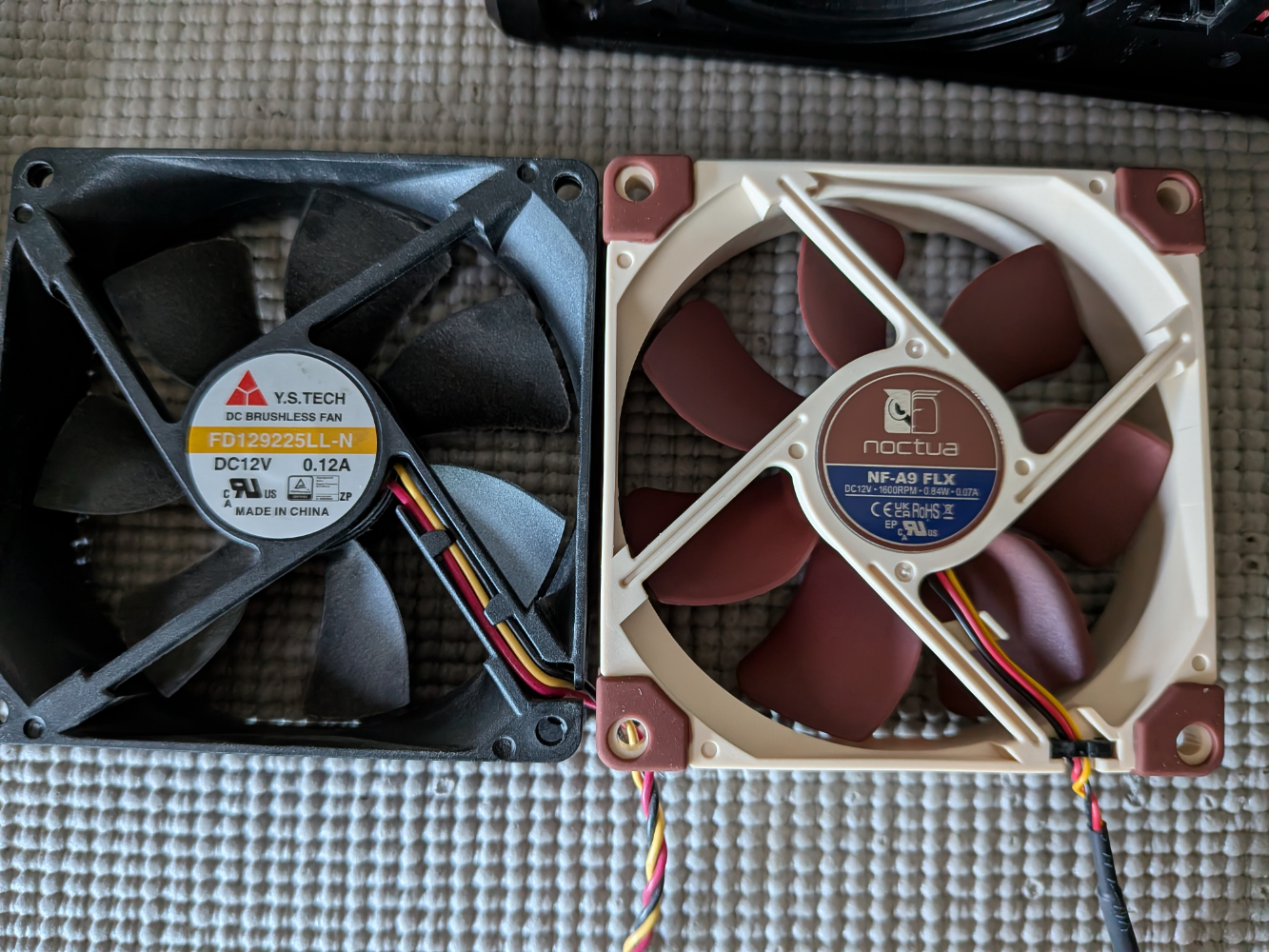
The old fans were installed as exhaust. Match the airflow with your new fans when installing.
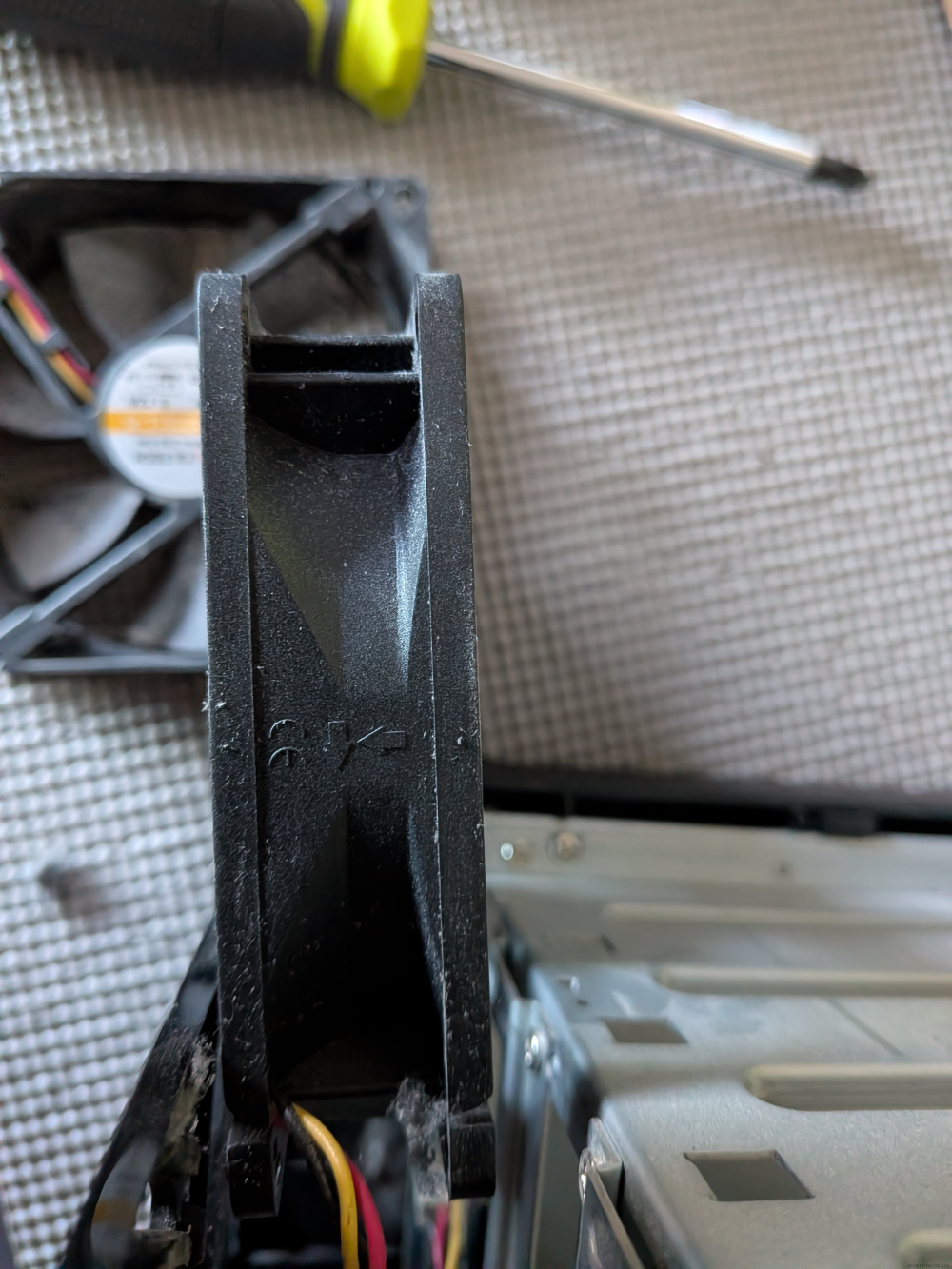
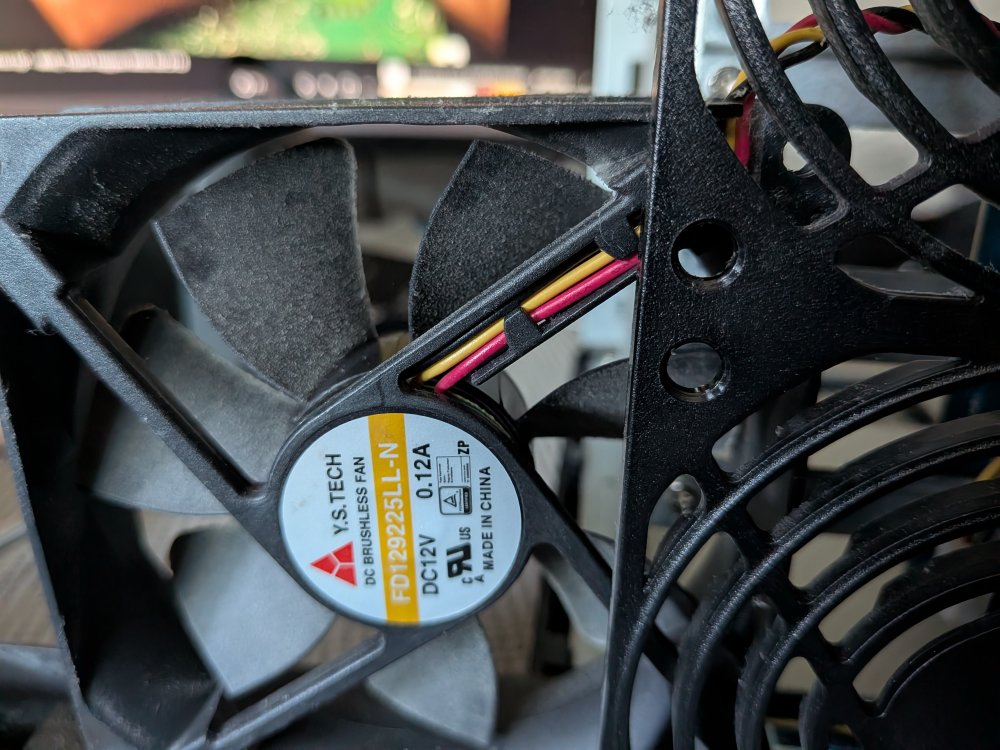
The Noctua fans I used were a snug fit because of the anti-vibration pads.
I had to remove a pad on one of the corners to make it fit. It looks worse in the picture than in person.
I'd recommend putting in the fan screws loose and installing the fan mount before fully tightening them.
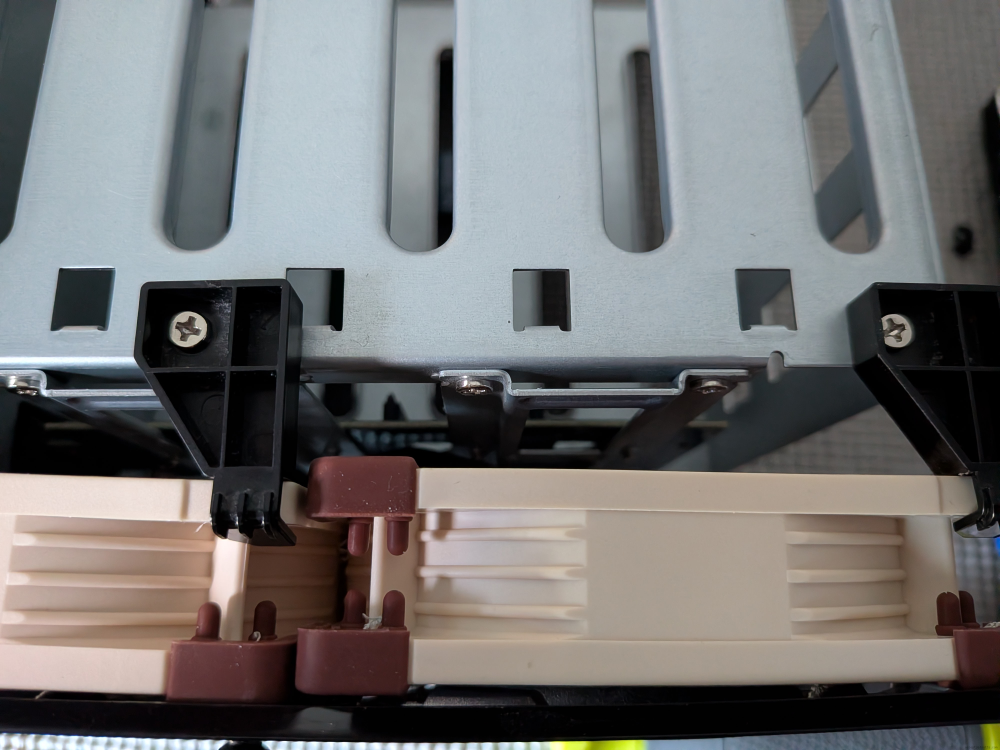
Hook the power back up and reassemble.